
Ways to pay
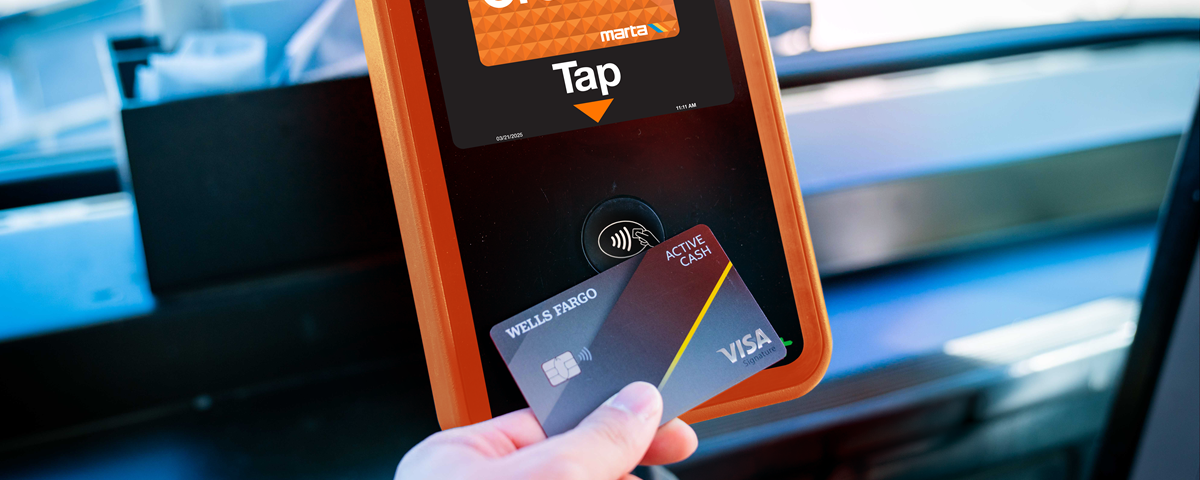
Flexible payment choices
MARTA riders have flexible, modern payment choices — whether you choose to tap to pay with your credit/debit card, phone, or use a Breeze card or ticket.
Tap to pay
Skip the ticket vending machine and start riding with tap to pay options.
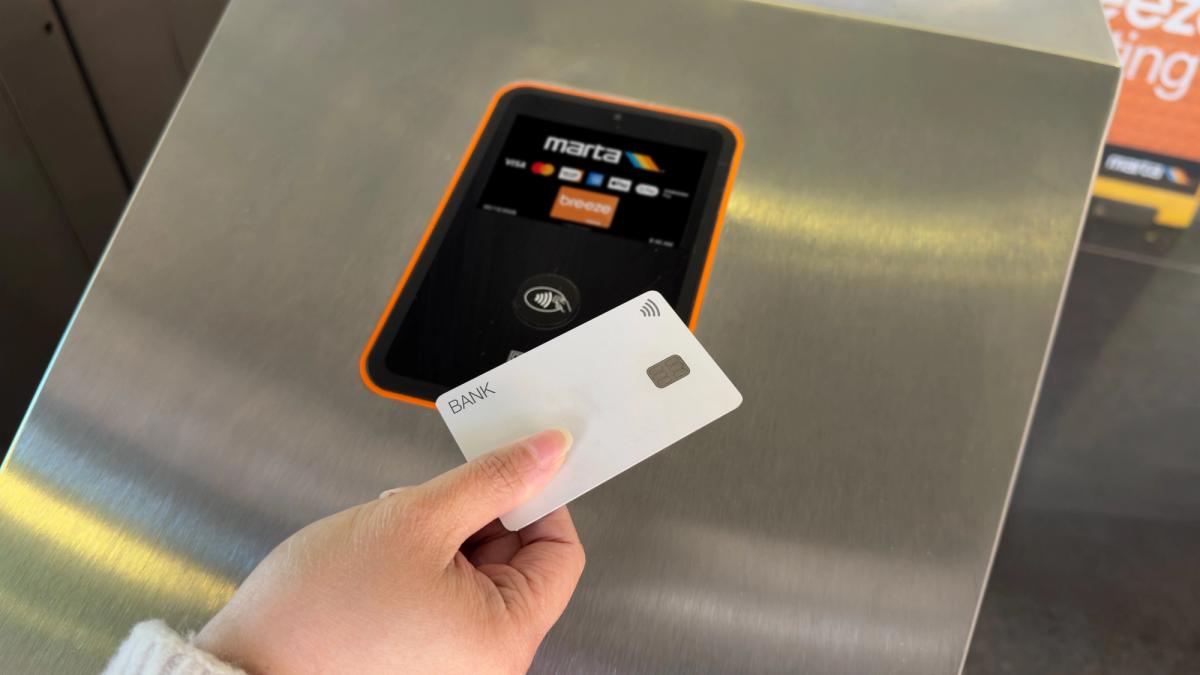
Tap to pay with credit or debit card
No Breeze ticket or card required — use your contactless-enabled credit or debit card to tap directly on the validator at the rail station faregates, on board buses and vans, or on validators at streetcar and Rapid stops.
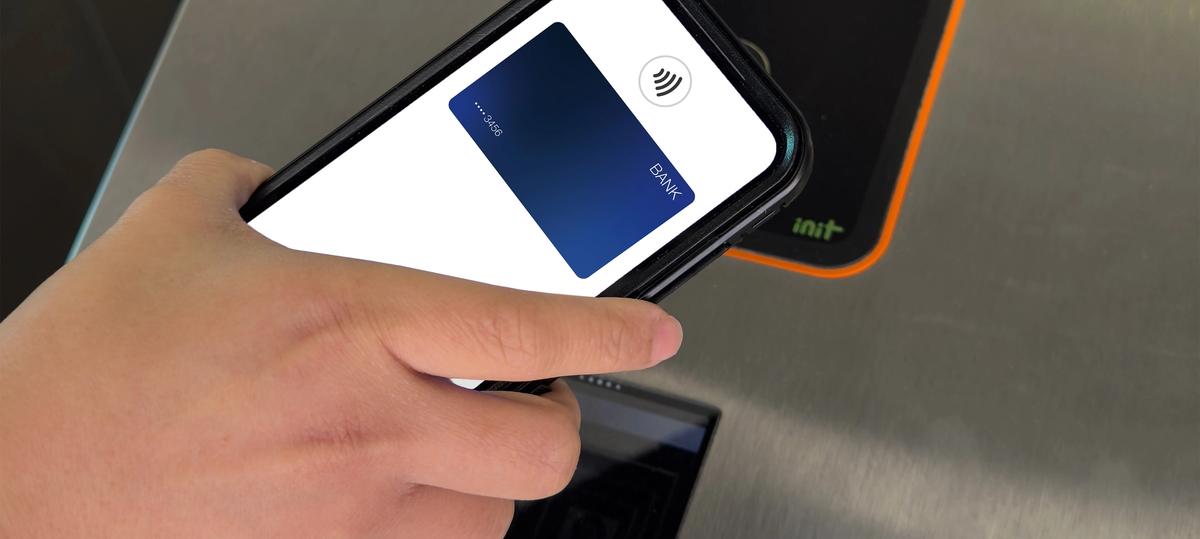
Tap to pay with mobile wallet
Use a credit/debit card linked to your smartphone or smartwatch's digital wallet or virtual Breeze card to tap to pay directly at the rail station fare gates, on buses and vans, or on validators at streetcar and Rapid stops.
Apple, Google & Samsung wallets are accepted.
Breeze
Breeze is a fast, flexible, secure way to ride MARTA and participating regional transit agency services with buying options that fit your needs.
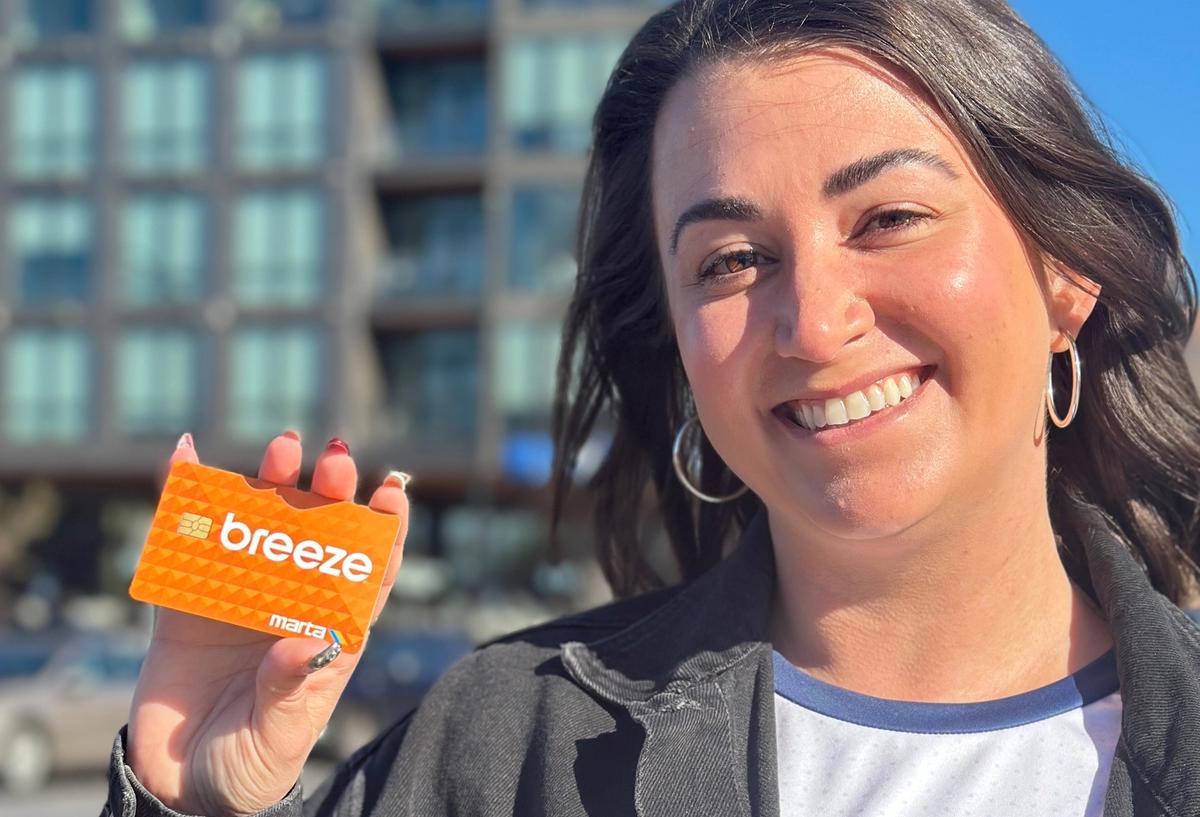
Physical Breeze Card
Buy a reloadable Breeze card to purchase trips and passes or add stored value. To ride, just tap your Breeze card at the rail station faregates, on buses and vans, or on validators at streetcar and Rapid stops.
You will be charged a one-time fee of $2.00 when you purchase a Breeze card.
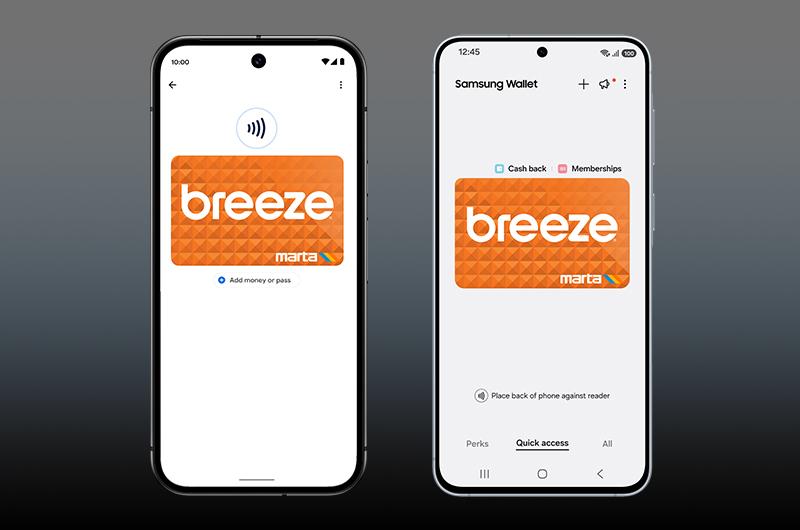
Virtual Breeze Card
Did you know you can purchase and use a virtual Breeze card directly from your phone’s digital wallet? Open your mobile phone’s wallet and add a transit card to get started.
You will be charged a one-time fee of $2.00 when you purchase the virtual Breeze card.
Available on Apple, Google, or Samsung mobile wallets.
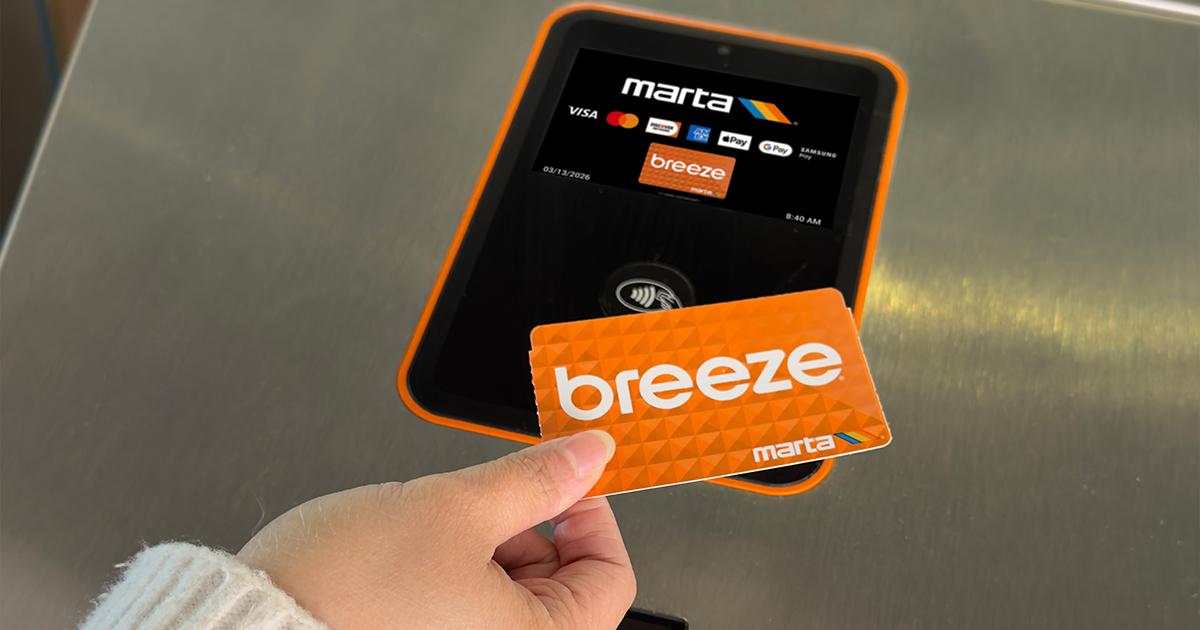
Breeze Tickets
Breeze tickets are temporarily unavailable. During this time, MARTA riders may pay fare using one of the other ways to pay presented on this page.
Single-use paper Breeze tickets are available for purchase at vending machines. To ride, just tap your Breeze ticket at the rail station fare gates, on board buses and vans, or on validators at streetcar and Rapid stops.
Breeze tickets have a 90-day expiration. You will be charged a fee of $1.00 when you purchase a paper Breeze ticket.
Breezecard.com & Breeze Mobile App
Manage your Breeze card, including products and stored value, using the Breeze Mobile app or breezecard.com
Register
- Register your new Breeze card on breezecard.com or on the Breeze Mobile app to setup autoloads, add balance and fare products, download receipts, and more.
Check Balance
- Once you’ve set up an account on Breezecard.com or in the Breeze Mobile app and linked your Breeze card, you can always log in to check your balance.
Reload
- Riders can reload their Breeze card at ticket vending machines, Ride Stores, online at breezecard.com, or on the Breeze Mobile app.
Order New Cards
- In addition to purchasing a Breeze card at the MARTA ticket vending machines, Breeze cards can be ordered online at breezecard.com. To access card ordering, create an account and click “Buy cards online.”
Cash
Cash is accepted at ticket vending machines and RideStores to purchase Breeze cards or tickets. Bus riders can also pay with cash on buses, but exact change is required and fare cannot be loaded onto Breeze cards on buses. Cash fare is one-way only and does not include transfers.