MARTA will accommodate balance transfers from old Breeze cards and the Breeze Mobile 2.0 app to a new Breeze account through Friday, October 30, 2026.
Before beginning the transfer process, customers must have a new, orange Breeze card or new, black Reduced Fare or Mobility card.
Once you have a new Breeze card, follow the steps below to ensure any remaining balance on their old Breeze card or old Breeze Mobile 2.0 account is transferred to your new Breeze account.
- Go to breezecard.com and select “Sign in” or “Register.”
- After signing in, link your NEW Breeze card. You will receive an email notification confirming the linking of the card to your account.
- Select “Transfer legacy card balance/passes.”
- Enter your old Breeze card number (silver card) or old Breeze Mobile 2.0 account email.
- Verify the transfer.
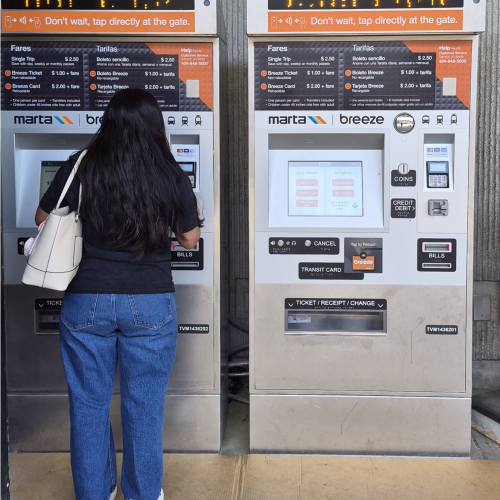 Image description: A customer stands at a new Breeze vending machine. She looks at the screen and follows prompts to purchase a new orange Breeze card. The customer’s back is to the camera.